26
Whats My IP: Find Your IP Address
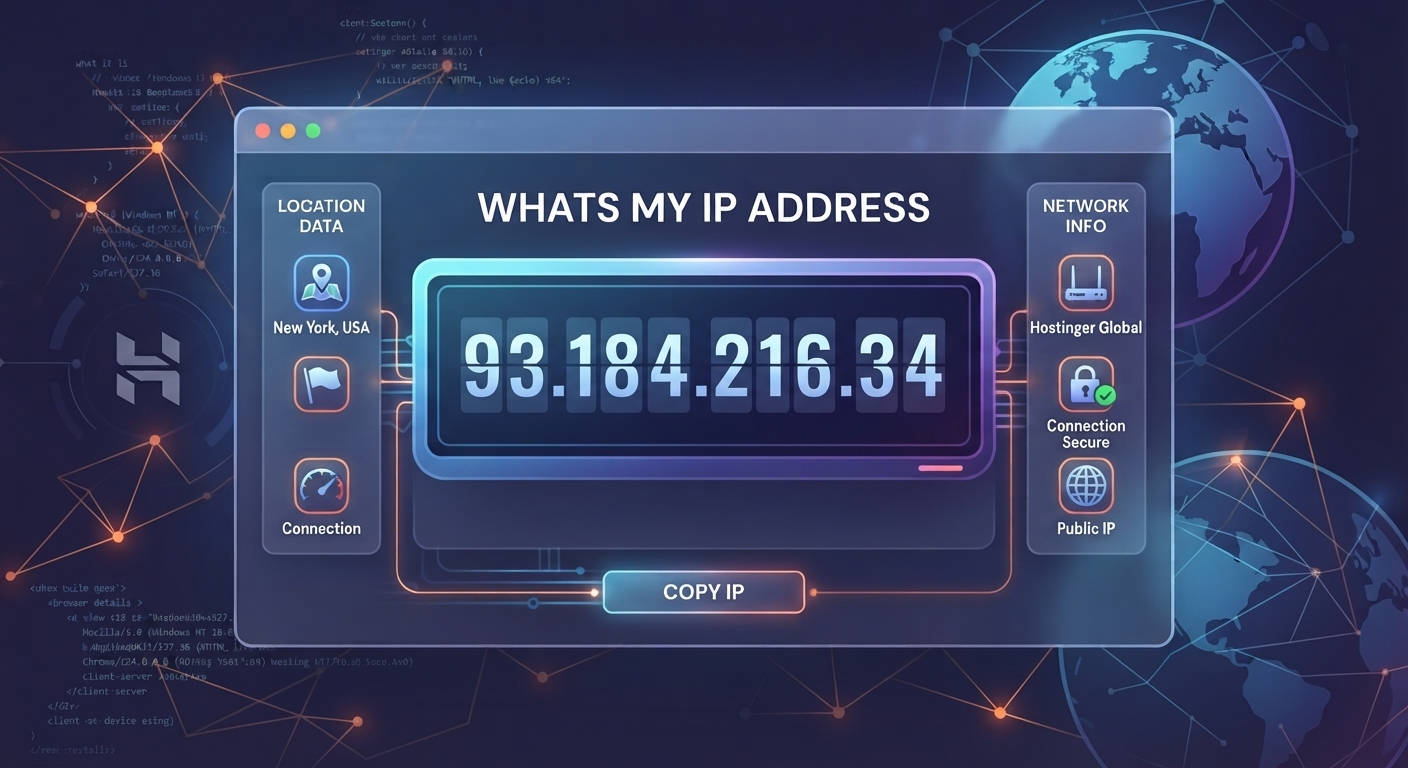
Find out your IP address instantly with the free Whats My IP tool. Check the IP address detected from your current internet connection without installing any software.
Whats My IP
Your device uses an IP address when it connects to the internet. If you need to know your current IP address, the Whats My IP tool can show it instantly.
You don't need to install anything or search through your device settings. Open the tool and check the IP address displayed on the page.
What is an IP address?
An IP address is a numerical address associated with a device or network connection.
When you access a website, your internet connection uses an IP address to communicate with the website's server.
There are different types of IP addresses, including public and private IP addresses. The address shown by an online IP checker is generally the public IP address visible to websites and internet services.
How to find your IP address
Finding your IP address is simple.
- Open the Whats My IP tool.
- The tool detects your current IP address.
- Your IP address is displayed on the page.
- Copy the address if you need to use it somewhere else.
You don't need to enter your IP address manually.
What is my public IP address?
Your public IP address is the address associated with your internet connection as seen by websites and online services.
For example, when you visit a website, the website can generally see the public IP address from which the request came.
The Whats My IP tool gives you a quick way to check the address currently visible from your connection.
Why would you check your IP address?
There are several everyday reasons to check your IP address.
Troubleshooting internet problems
If you're having connection problems, your IP address can be useful information when checking your network configuration or speaking with technical support.
Technical support
A support team may ask for your public IP address when investigating a network-related issue.
Instead of searching through your router or computer settings, you can use an online IP checker to see the address quickly.
Network testing
Developers and network administrators may need to know which public IP address their connection is using while testing websites, servers, or network configurations.
Checking your current connection
Your public IP address can change depending on your internet provider, network, router configuration, or connection type.
Checking it online lets you see the address associated with your current connection at that moment.
Public IP vs private IP
A public IP address is associated with your internet connection and can be visible to websites and online services.
A private IP address is used inside a local network, such as the network created by your home router.
For example, your computer might have a private address inside your home network while your router uses a public IP address to communicate with the wider internet.
The Whats My IP tool is intended for checking the IP address visible from your current internet connection.
Can my IP address change?
Yes, your public IP address can change.
The exact behavior depends on your internet service provider and connection. Some connections use dynamic IP addresses, which can change over time.
If you're checking your IP for troubleshooting or technical work, it's useful to check the current address rather than relying on an old result.
Is Whats My IP free?
Yes. The Whats My IP tool is available as a free online utility on ToolsTechnique.
You can open the page and check your IP address without installing additional software.
Do I need to install anything?
No.
The tool works directly in your web browser. Open the Whats My IP page and the IP address detected from your connection is displayed.
Is my IP address the same on every device?
It depends on how the devices connect to the internet.
Devices connected to the same home network will often appear to websites under the same public IP address, even though each device can have its own private IP address inside the local network.
If you switch networks, such as moving from home Wi-Fi to mobile data, the public IP address can be different.
Can I use Whats My IP on my phone?
Yes. You can open the Whats My IP page from a phone browser and check the IP address associated with that internet connection.
The result can be different when your phone switches between Wi-Fi and mobile data because those connections can use different public IP addresses.
Check your IP address online
If you simply want to know what your IP address is, the Whats My IP tool gives you a quick way to check it from your browser.
Open the tool, view the detected IP address, and copy it whenever you need it.
Try Whats My IP:
https://toolstechnique.com/tool/whats-my-ip
Contact
Missing something?
Feel free to request missing tools or give some feedback using our contact form.
Contact Us