26
User Agent Finder: Find Your Browser User Agent
Find out your browser's user agent instantly with the free User Agent Finder. View the user agent string detected from your current browser and copy it with one click.
User Agent Finder
Your browser sends a user agent string when it communicates with websites. This string gives websites information about the software making the request.
With the User Agent Finder, you can see the user agent detected from your current browser instantly.
There’s nothing to install. Open the tool, and your user agent appears on the page. You can also copy the result with the built-in Copy button.
What is a user agent?
A user agent is a text string that a browser or other client sends when making a web request.
It can contain information that helps a website identify the type of software making the request. Depending on the browser and device, a user agent can include details related to the browser, operating system, rendering engine, or other client information.
For developers, this information can be useful when testing websites and checking how a server sees a particular browser.
How to find your user agent
Finding your user agent takes just a few seconds.
- Open the User Agent Finder.
- The tool automatically detects your current user agent.
- Read the user agent string displayed on the page.
- Click Copy if you want to save it to your clipboard.
You don't need to type anything into a form. The tool displays the detected user agent directly.
What does a user agent string look like?
A user agent is usually a long text string containing several pieces of technical information.
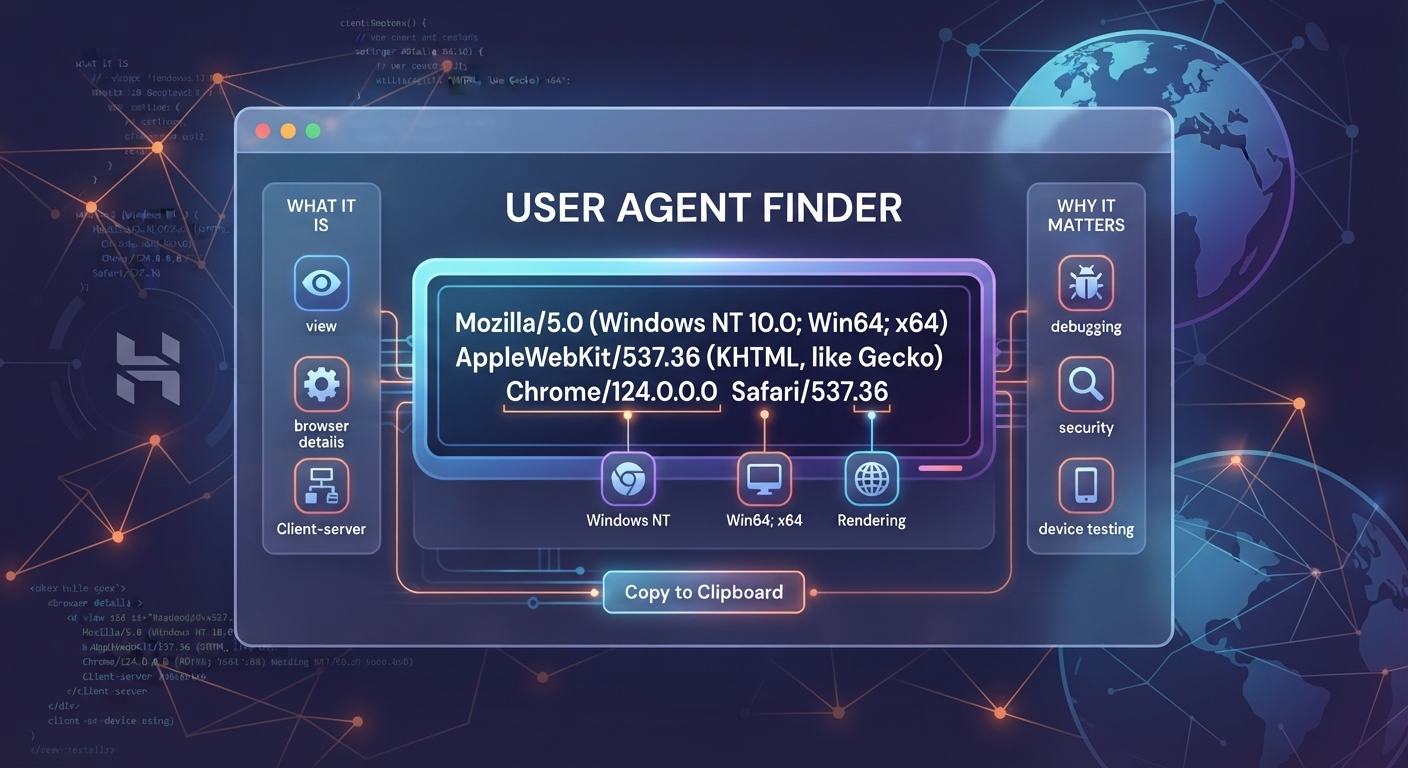
For example, a browser user agent may contain terms such as Mozilla, AppleWebKit, a browser identifier, or operating system information.
The exact string depends on the browser, device, and software making the request.
The User Agent Finder shows the complete detected string so you can copy and inspect it without manually searching through browser settings.
Why check your user agent?
There are several practical reasons to check your user agent.
Website testing
Web developers can use a user agent to understand how their website identifies different browsers and clients.
This can be useful when testing browser-specific behavior or troubleshooting a website.
Browser troubleshooting
If a website behaves differently on different devices or browsers, checking the user agent can give you another piece of information when investigating the problem.
Technical support
Support teams may ask for your browser or user agent information when investigating a technical issue.
Instead of looking through browser settings, you can use the User Agent Finder to display the current value and copy it.
Web development
Developers sometimes need to inspect the user agent sent by their own browser while working on websites, HTTP requests, or server-side browser detection.
Having the exact string makes testing easier.
Is the User Agent Finder free?
Yes. The User Agent Finder is available as a free online tool on ToolsTechnique.
The page is designed as a simple utility: open it, view your detected user agent, and copy the value when needed.
Can I copy my user agent?
Yes.
The User Agent Finder includes a Copy button next to the detected user agent. This lets you copy the complete string instead of selecting it manually.
User Agent Finder for developers
If you're working on a website, checking your user agent can be useful during browser testing.
You can compare the user agent reported by different browsers or devices and use the results when investigating browser-specific behavior.
It can also be useful when documenting a technical issue. Copy the detected user agent and provide it to a developer or support team along with the other relevant details.
User agent vs browser name
Your browser name and your user agent are related, but they're different things.
A browser name is something you can easily recognize, such as Chrome, Firefox, Safari, or another browser.
A user agent is the technical string sent by the client during web requests. It can contain more information than the browser's name alone.
That's why a developer may ask for your user agent string instead of simply asking which browser you're using.
Check your user agent online
If you need to know exactly what user agent your current browser is reporting, use the User Agent Finder.
The tool automatically displays the detected value and gives you a Copy button, making it useful for quick browser checks, development work, troubleshooting, and technical support.
Try the User Agent Finder:
https://toolstechnique.com/tool/user-agent-finder
Contact
Missing something?
Feel free to request missing tools or give some feedback using our contact form.
Contact Us