26
Ping: Measure Ping for Any Address
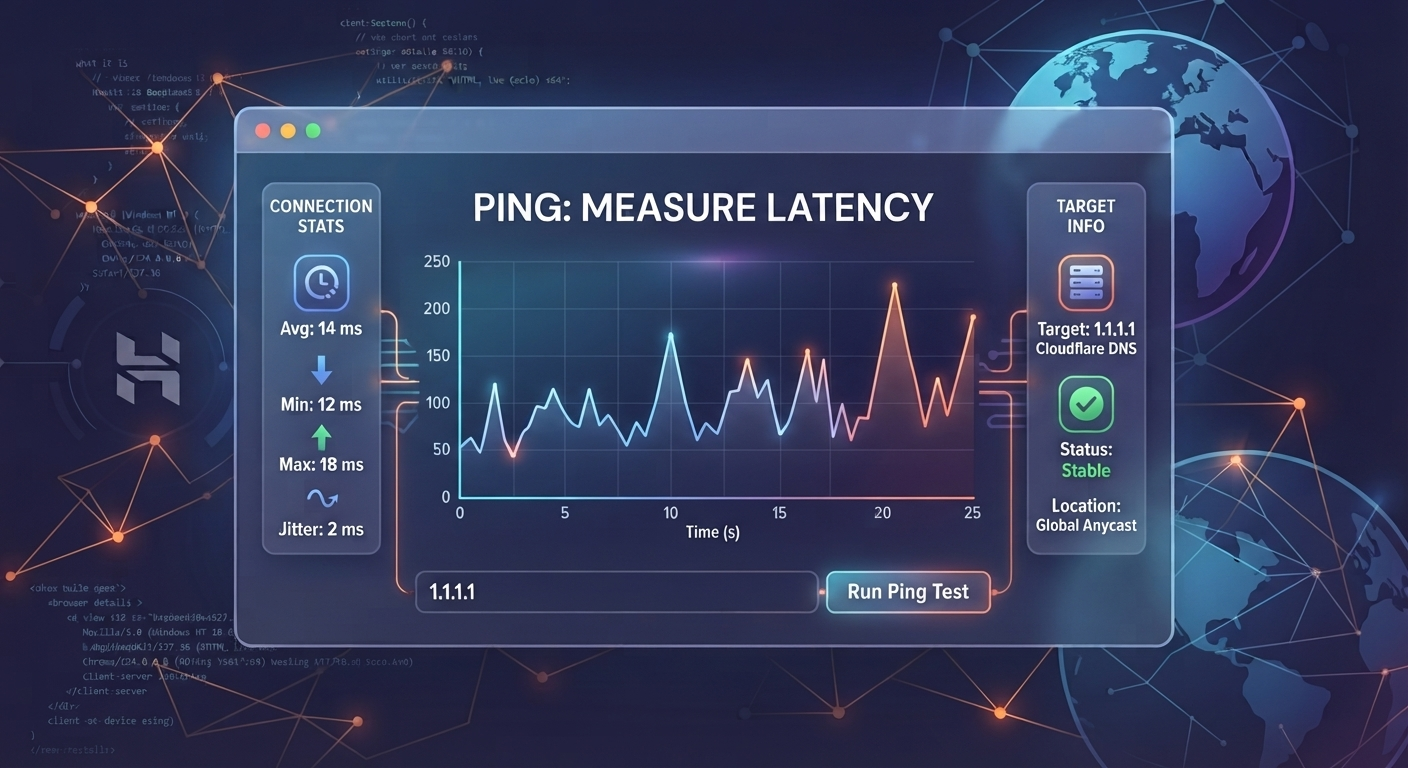
Measure the ping time for any address with the free Ping tool. Check how quickly a network address responds and get a quick view of your connection latency.
Ping
Ping is a simple way to measure how long it takes for a network address to respond to a request.
With the Ping tool, you can enter an address and measure its ping response. This can be useful when checking network connections, testing servers, or investigating slow connections.
What is ping?
Ping is a network test that sends a request to a specific address and measures the time it takes to receive a response.
The result is usually measured in milliseconds (ms).
A lower ping generally means the response comes back faster. A higher ping means there is more delay between sending the request and receiving the response.
How to use the Ping tool
Using the Ping tool takes only a few steps.
- Open the Ping tool.
- Enter the address you want to test.
- Start the ping test.
- Check the response time shown by the tool.
You can use an address such as a domain name or another network address supported by the tool.
What does ping time mean?
Ping time measures network latency between the testing point and the address being tested.
For example, a result of 20 ms means the measured response took around 20 milliseconds.
A result of 100 ms indicates a longer response time.
The number can change depending on your internet connection, the distance to the destination, network traffic, routing, and the server being tested.
Why check your ping?
Test your internet connection
A ping test can give you another way to check how your connection is responding to network requests.
If your internet feels slow or unstable, checking ping can help you see whether there is noticeable network delay.
Test a server
If you manage or work with a website or server, you can use ping to check whether a network address responds.
This can be useful during basic network troubleshooting.
Check network latency
Ping is commonly used when investigating latency between networks or devices.
Running the same test at different times can also show whether response times change.
Troubleshoot connection problems
If you're experiencing delays, a ping test can provide useful information alongside other network checks.
A high or inconsistent ping result may point to a network issue, although ping alone doesn't identify the exact cause.
What is a good ping?
There isn't one number that works for every situation.
A low ping means the measured response is arriving quickly. Higher values indicate more network delay.
The result also depends heavily on the distance between the testing location and the destination. A server located far away can naturally have a higher ping than one located nearby.
For this reason, it's better to compare ping results in the context of the address and network being tested.
Why can ping change?
Ping isn't always the same.
Network traffic, routing changes, Wi-Fi conditions, internet congestion, and the destination server can all affect the measured response time.
You may therefore see different results when testing the same address at different times.
Ping vs download speed
Ping and download speed measure different parts of an internet connection.
Ping measures response time, usually in milliseconds.
Download speed measures how quickly data can be transferred to your device, usually in Mbps.
A connection can have high download speed while still experiencing noticeable latency.
Can I ping a website?
You can use the Ping tool to test a network address supported by the tool.
For a website, this may involve entering its domain name and checking whether the address responds to the ping request.
Keep in mind that some servers or networks may block or restrict ping requests. A failed ping doesn't always mean that the website itself is unavailable.
Is the Ping tool free?
Yes. The Ping tool is available as a free online utility on ToolsTechnique.
You can use it to measure ping for an address directly from the tool page.
Check ping online
If you need to measure the response time of a network address, the Ping tool gives you a quick way to run a ping test online.
Enter the address, start the test, and check the measured response time in milliseconds.
Try the Ping tool:
https://toolstechnique.com/tool/ping
Contact
Missing something?
Feel free to request missing tools or give some feedback using our contact form.
Contact Us